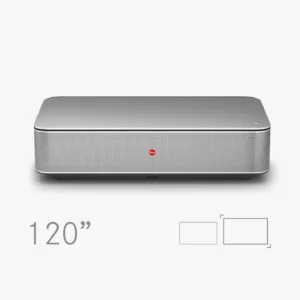
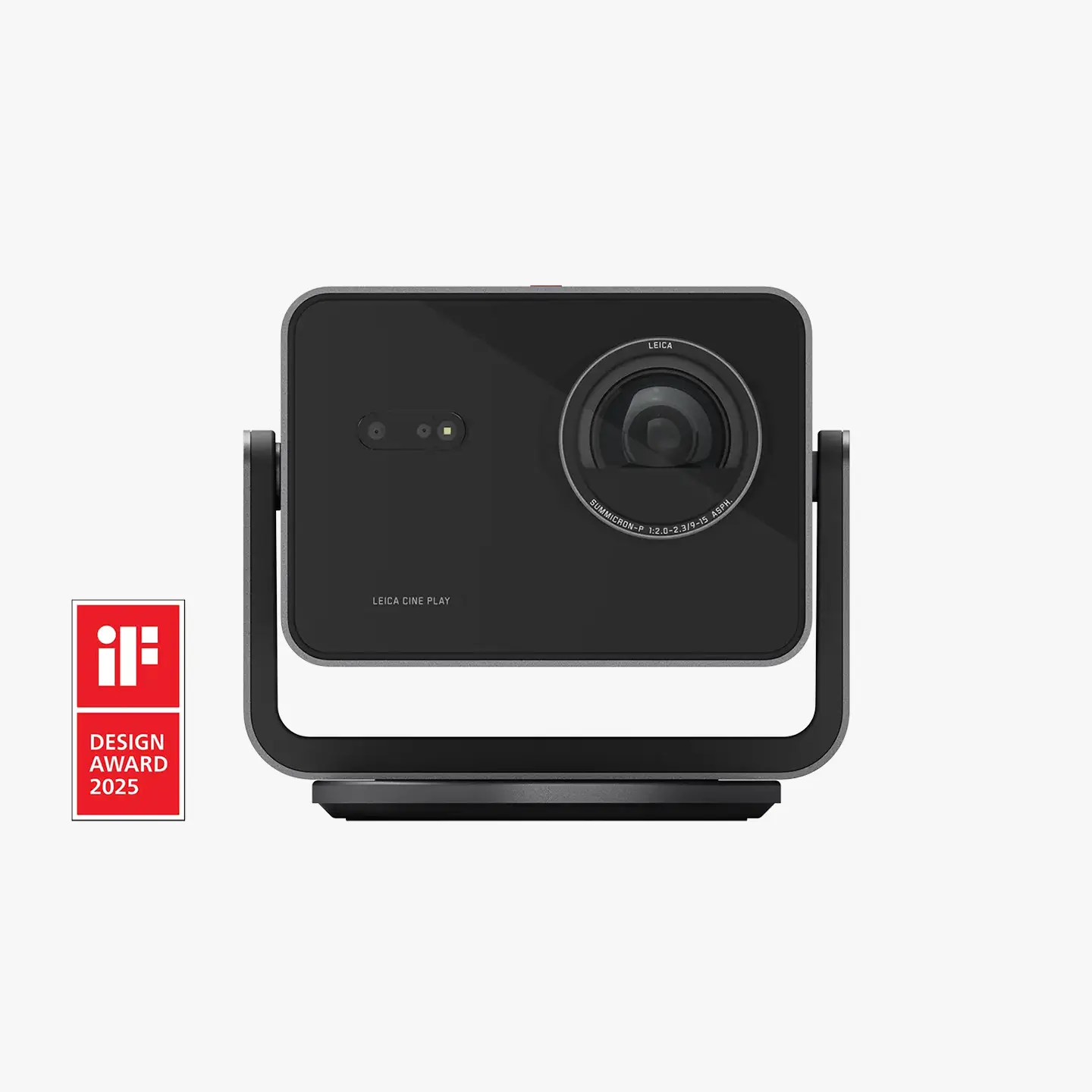
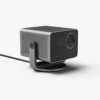
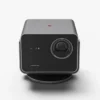

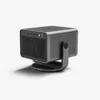
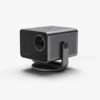
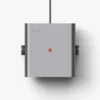
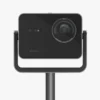

Leica Cine Play 1
Home Cinema€ 3.500,00 (incl. VAT)
The Cinema Experience for Every Location
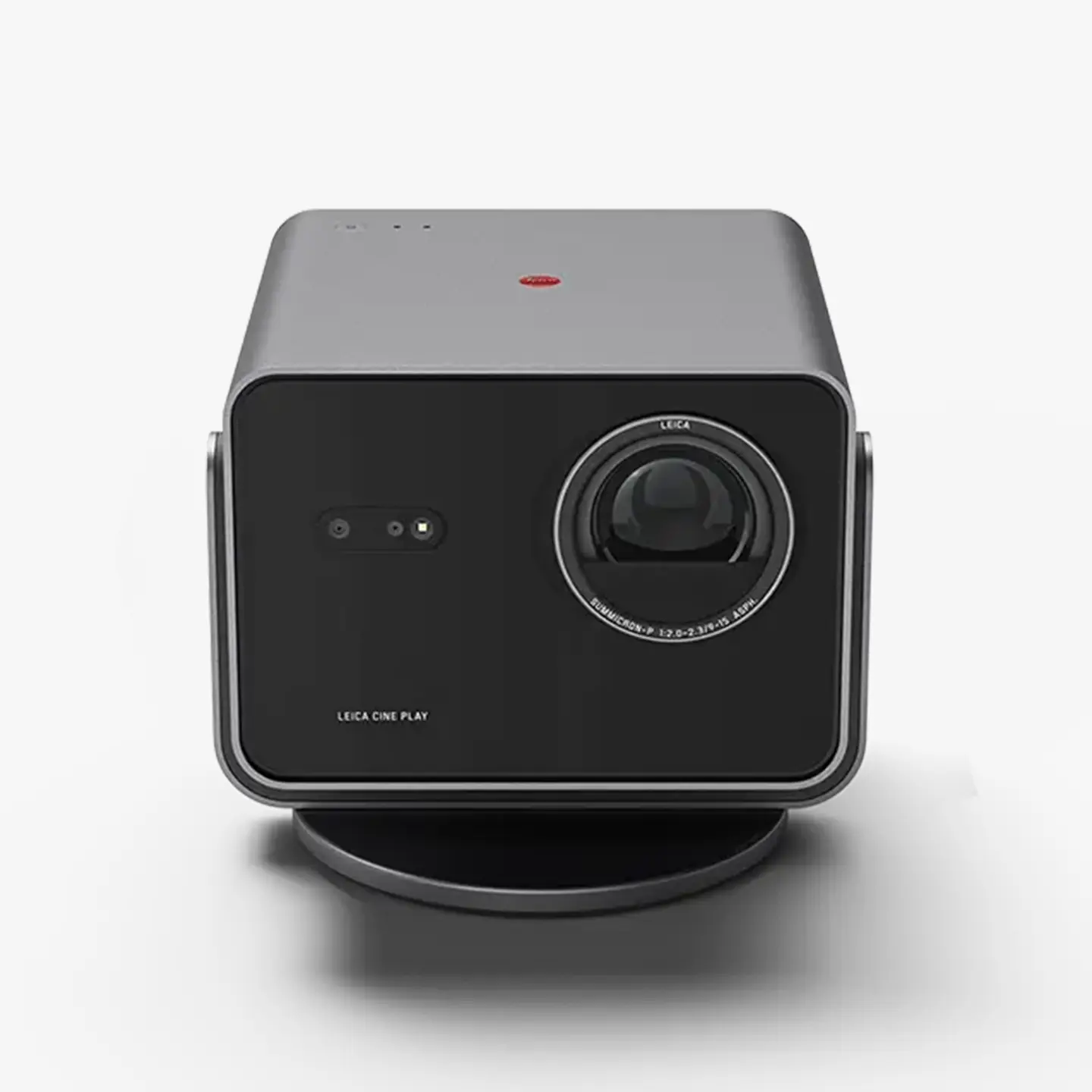
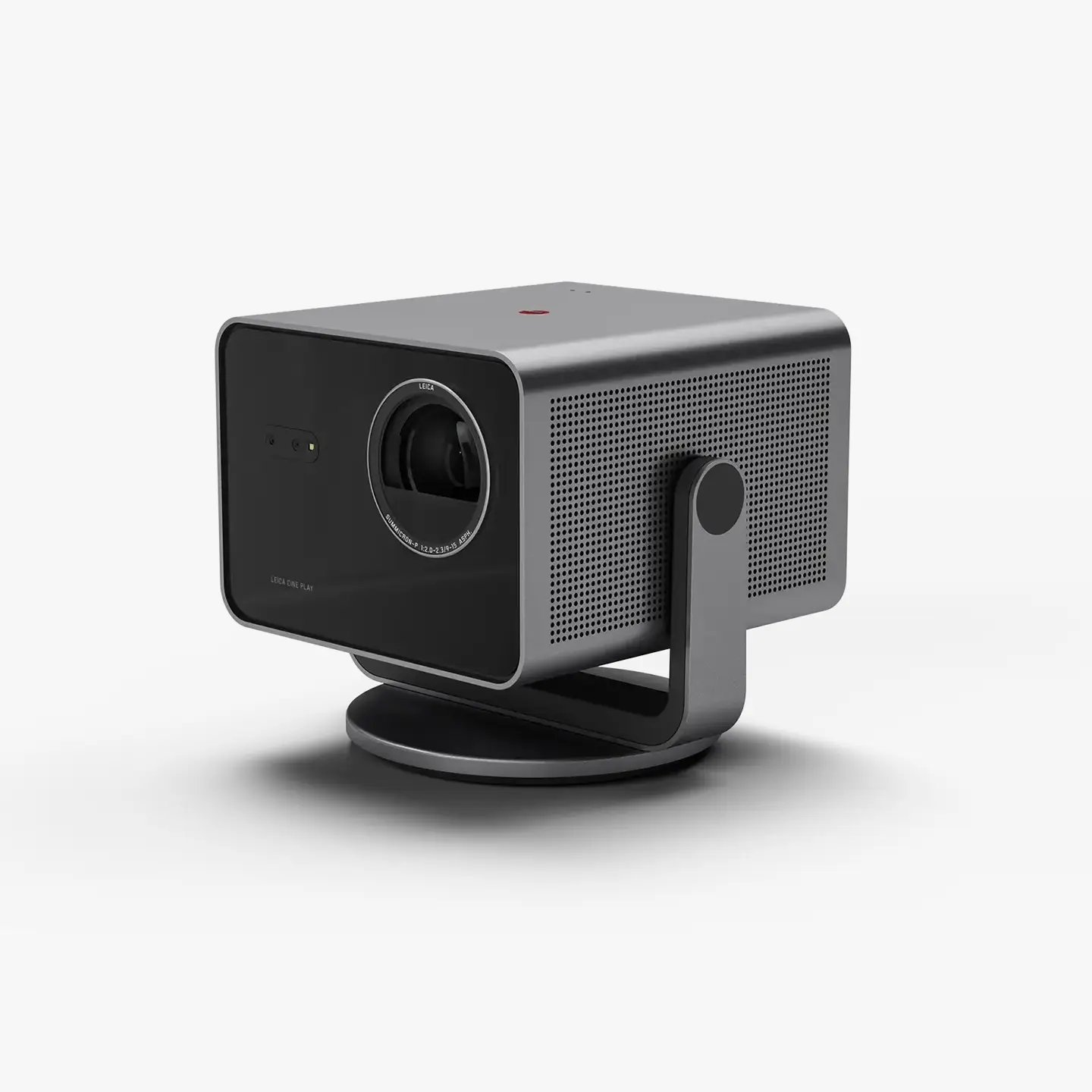
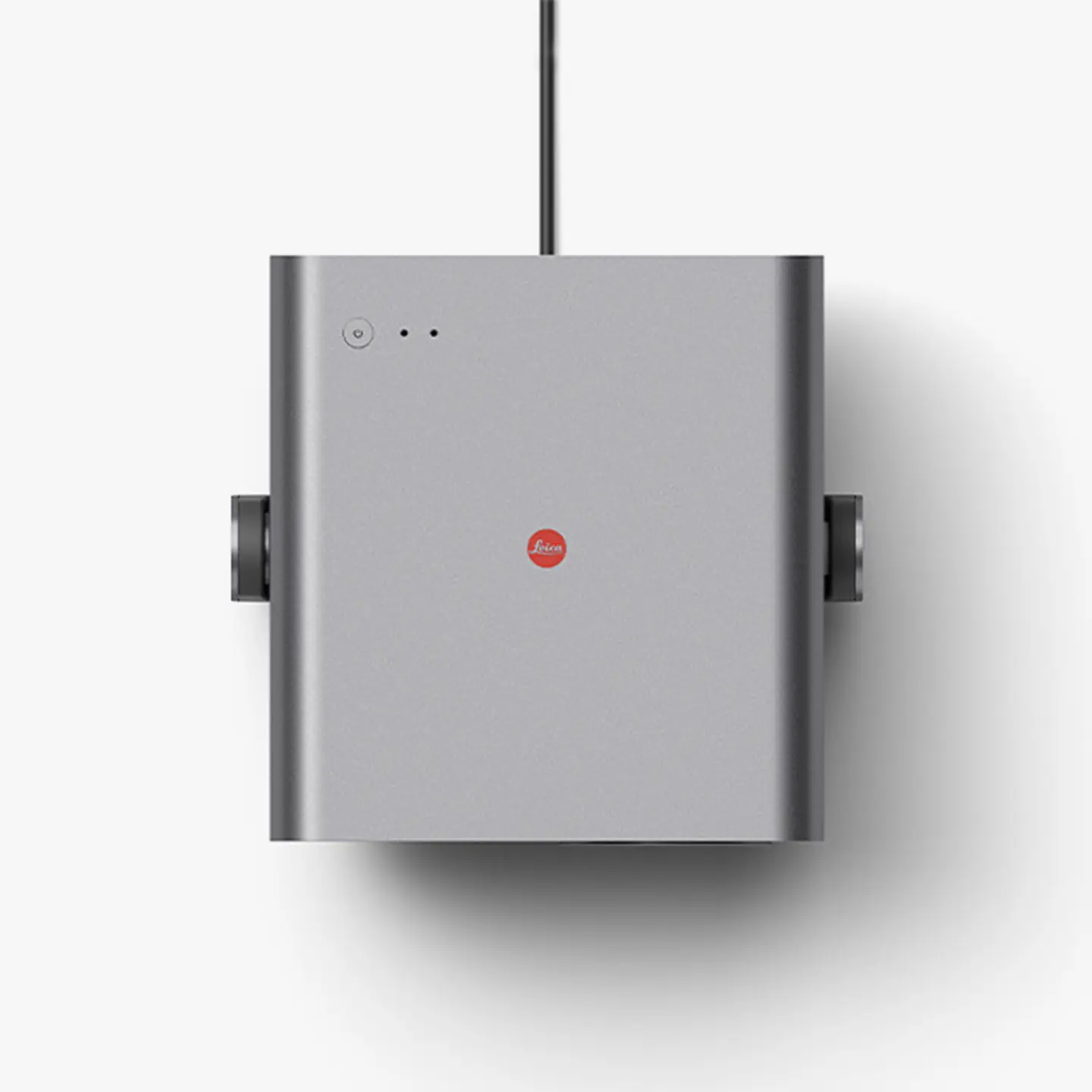
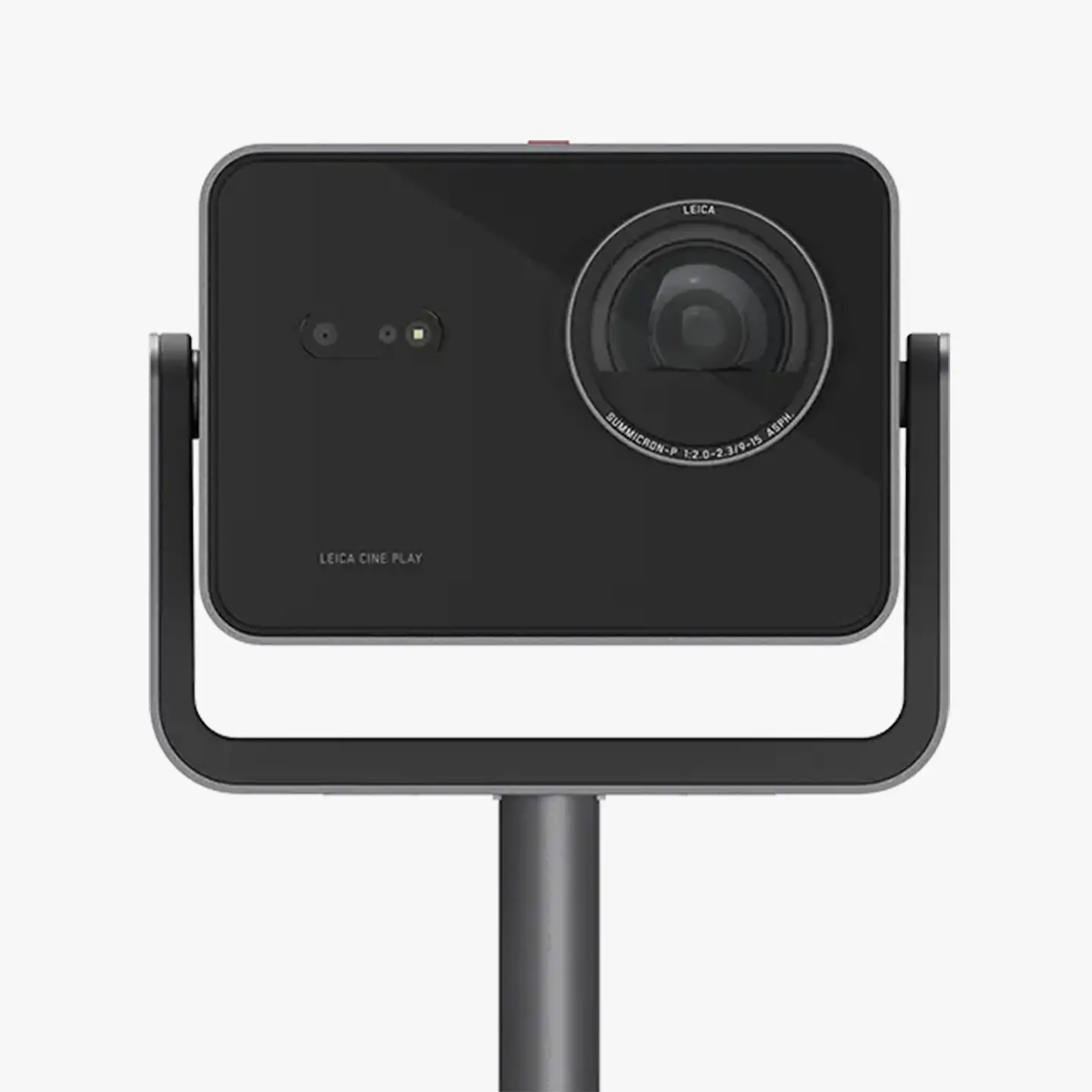
The Leica Cine Play 1 brings the magic of cinema directly to the living room, garage, garden, or any other location. With its portable high-quality aluminum housing, outstanding design and effortless plug-and-play technology, this unique smart mini projector transforms any environment into an impressive film setting. Enjoy your favorite content instantly and without complicated setup – whether through built-in apps or external devices, projected on a wall or screen.
-
Description
-
Key Features
-
Technical Specifications
-
What's in the Box
-
Safety Remarks
The Cinema Experience for Every Location
The Leica Cine Play 1 brings the magic of cinema directly to the living room, garage, garden, or any other location. With its portable high-quality aluminum housing, outstanding design and effortless plug-and-play technology, this unique smart mini projector transforms any environment into an impressive film setting. Enjoy your favorite content instantly and without complicated setup – whether through built-in apps or external devices, projected on a wall or screen.
The Cine Play 1 impresses with best-in-class optics that deliver an immersive viewing experience. The combination of the Leica Summicron lens and innovative triple RGB laser technology produces brilliant 4K images with vibrant colors and outstanding brightness. With up to 3,000 ANSI lumens, the picture remains clear and rich in contrast even in bright rooms, bringing every scene to life. The visual experience is enhanced by powerful DTS Virtual: X surround sound processing, filling any space with deep bass and crystal-clear audio.
A standout feature of the Leica Cine Play 1 is its ease of use and flexibility. It is easy to transport and can be set up anywhere, while integrated automatic alignment functions allow for hassle-free image and focus adjustment. No manual settings are required – the perfect movie enjoyment is always ready, anytime and anywhere.
The Leica Cine Play 1 is not just a projector; it’s a statement for every film and tech lover who values quality, design, and user-friendliness. Make every movie night an unforgettable experience.
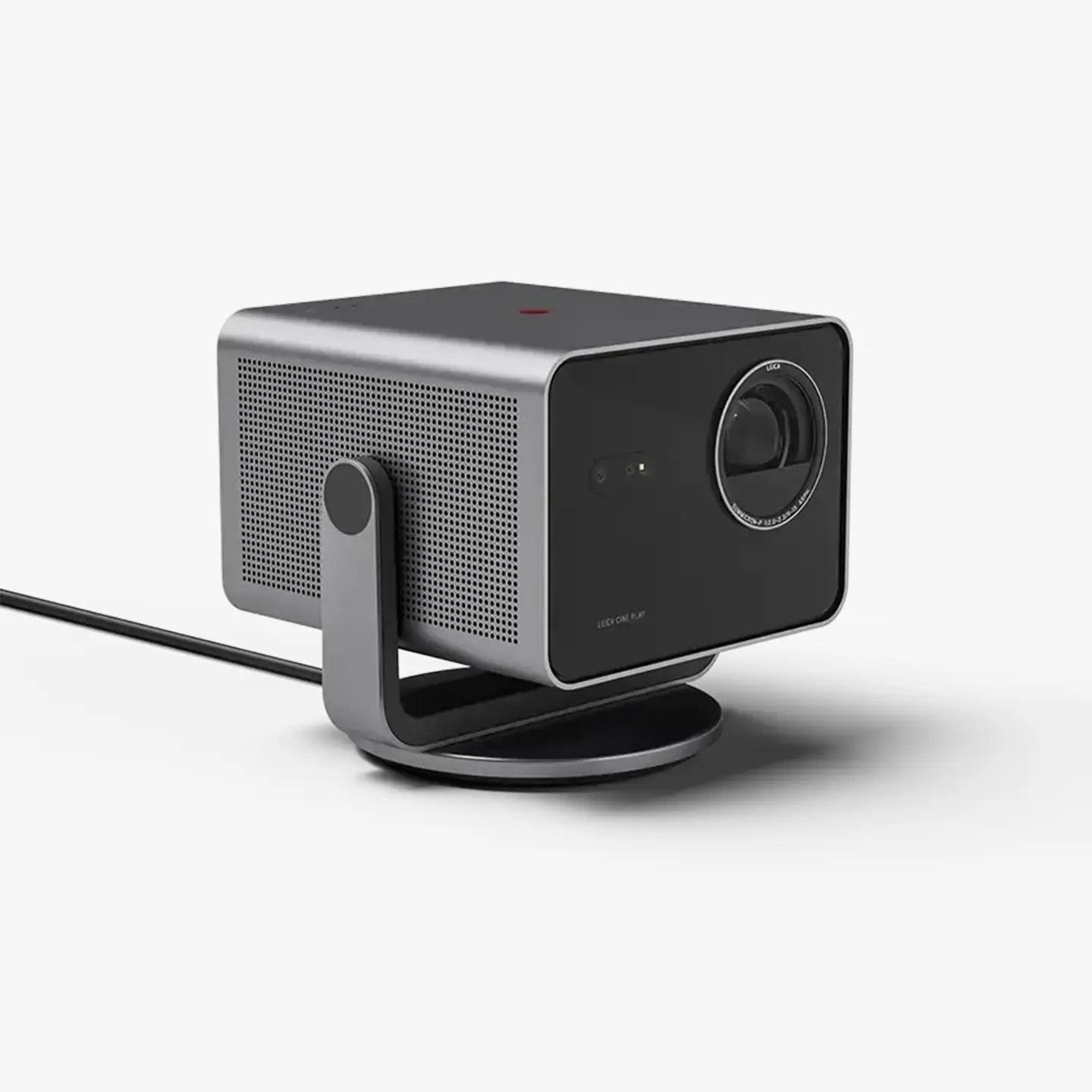
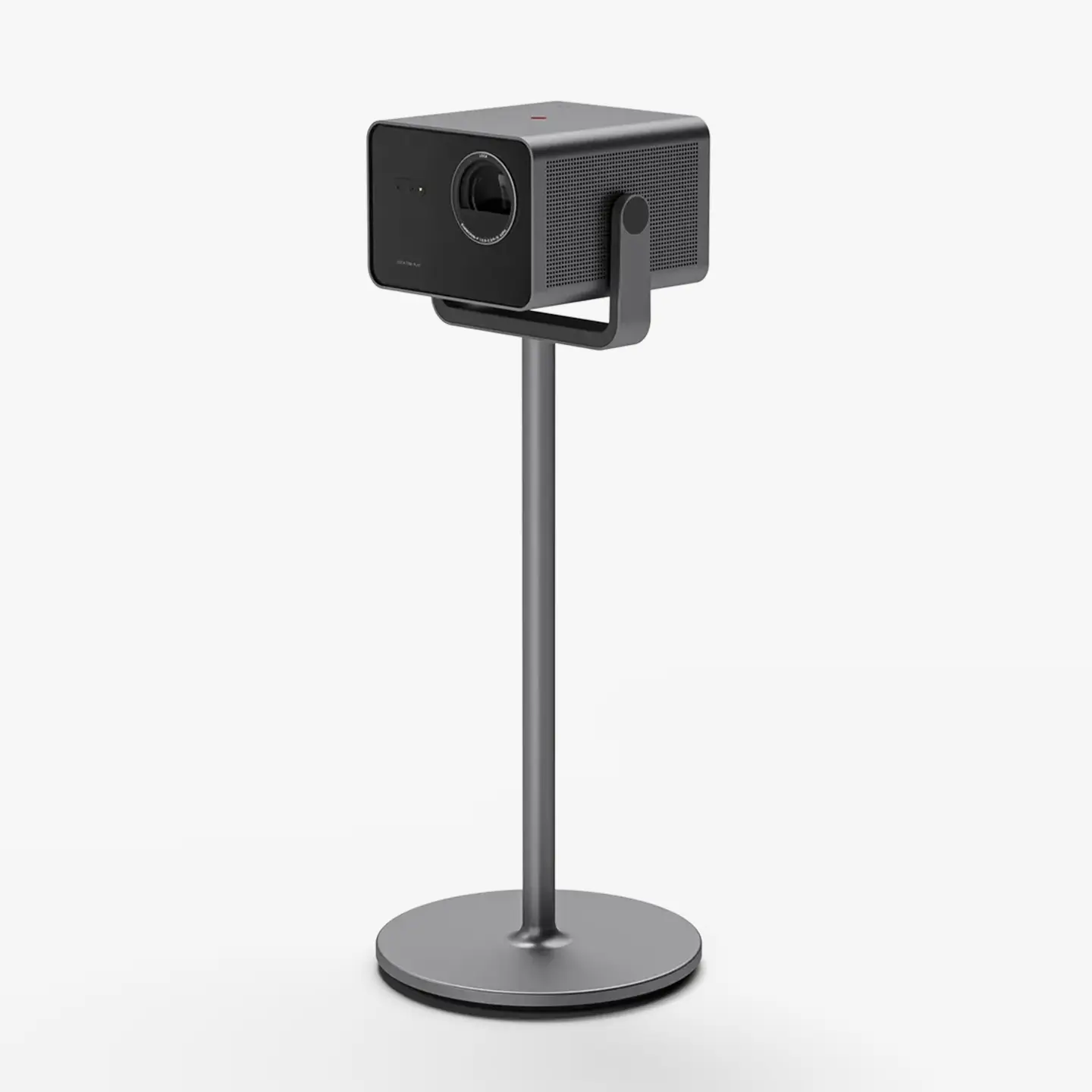
Elevate Your Setup with the Floor Stand
Enhance your home cinema experience with the optional floor stand. Designed to complement the sleek look of the projector, it showcases the device as a modern sculpture, adding style and sophistication to any room. The integrated pin contact system ensures power without visible cables, keeping your space tidy and elegant.
Key Features
- Impressive Image Quality: 4K resolution and brilliant colours thanks to triple RGB-laser technology, Summicron lens and Leica Image Optimization (LIO™).
- Easy to use: Plug-and-play setup allows for instant access to content without complicated installations.
- Elegant Design: Bauhaus-inspired aesthetics with premium materials ensure durability and style.
- Versatile Compatibility: Connection options via Apple Airplay, Bluetooth, Wi-Fi, as well as HDMI, USB, and LAN for seamless device integration.
- High-Quality Sound: DTS Virtual: X technology for immersive sound experiences and deep bass.
- Optional Stand: The elegant stand transforms the Cine Play 1 into a modern piece of art while providing neat cable management.
Technical Specifications
| Technical Data | |
| MODELL | LEICA CINE PLAY 1, Metal Grey |
| Order No. | EU: 30197 AE: 30 303 AU / SG: 30 305 US: 30 304 |
| Projection Size | 65 – 300” |
| DLP | 0.47” XPR |
| Image Resolution | 3840x2160px (4K) |
| Gaming Mode | Yes, Latency < 12 ms 1080px@120Hz |
| Lumen Output | Up to 3000 lm (Ultra Mode) |
| Dynamic Contrast | Up to 2 Mio. :1 |
| Contrast Ratio | Up to 1500:1 |
| BT.2020 Coverage | > 100 % |
| HDR Modes | Dolby Vision ® / HDR10+ / HLG |
| 3D Mode | yes, DLP link |
| Leica Image Optimization (LIO™) | Yes |
| Throw Ratio | 0.9 – 1.5 |
| Light Source | Direct Triple RBG-Laser |
| MEMC | Yes |
| Power Consumption Standard Mode / Standby | 180W / 0.5W |
| Voltage | 100V – 240V |
| Dimensions LxWxH (projector only) | 242 x 261 x 229 mm (10,3 x 9,5 x 9,0 inch) |
| Weight (projector only) | Approx. 6.7 kg (14,7 lbs) |
| INTERFACES | |
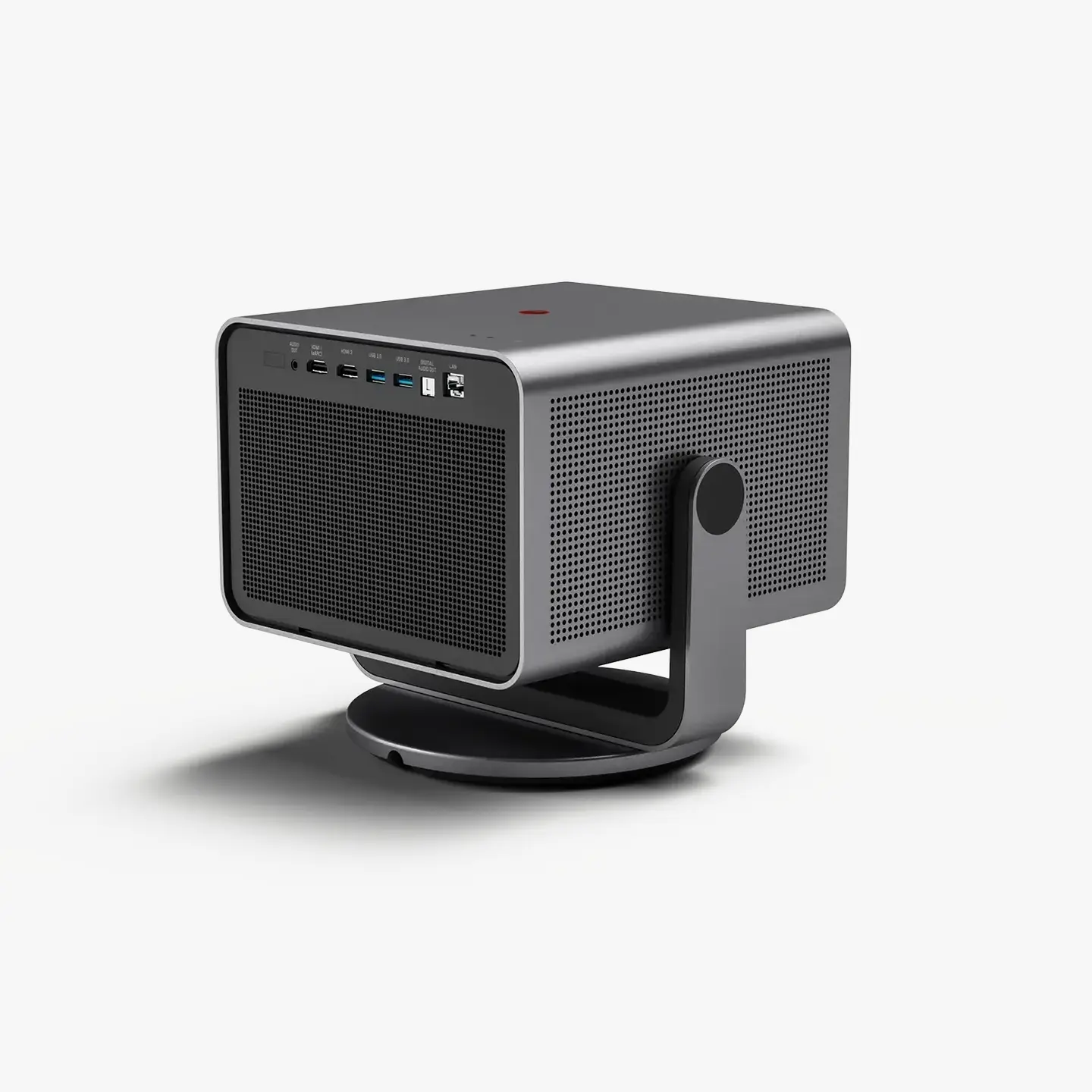
| HDMI | 2x HDMI 2.1 (1x eARC Support) |
| USB | 2x USB 3.0 |
| LAN (Ethernet RJ45) | 1x |
| S/PDIF | 1x Optical (Toslink) |
| Earphones/Audio Output | 1x |
| Physical On/Off Button | Yes |
| AUDIO | |
| Audio Output Power | 2 x 10 Watt |
| Channels | 2.0 |
| DTS Virtual X® | Yes |
| Dolby Audio | Yes |
| WIRELESS CONNECTIVITY | |
| WiFi | 6 (IEEE 802.11 a/b/g/n/ac/ax) |
| Works with Apple AirPlay* | Yes |
| Bluetooth | Yes (Version 5.3) |
| Screen Mirroring | Yes |
| INTERNET: | |
| Operating System | VIDAA U7.6 |
| APP incl. direct dial button on remote control | yes, for Netflix, Prime, Disney, YouTube |
| Voice Assistant | Yes |
| Web Browser | Yes |
| Child Protection | Yes |
| OTA Software Updates | Yes |
| REMOTE CONTROL: | |
| Remote Control | Bluetooth / IR in Aluminum Housing with Microphone |
| Voice Command | Yes |
| FILE FORMATS | |
| AV-Container | AVI / MP4 / MKV/ TS / FLV |
| Video | AVI / WMV / MP4 / MOV / MKV / MPG / MPEG / FLV / WebM |
| Audio | WMA / WAV / FLAC / MP3 |
| Image | JPEG / BMP / PNG / GIF |
| OPERATION CONDITIONS | |
| Operation Temperature | +5°C bis +35°C |
| Storage Temperature | -20°C bis +65°C |
| Light Source | > 25000 h |
| System Noise | < 29dB (A) @ 1m distance |
| Low Noise Mode | Yes |
What's in the Box
- Projector
- Remote control, 2x AAA batteries
- Power cable
- Power supply unit
- Accessory bag
- Operating instructions/warranty
The scope of delivery may differ from the items listed due to different models, countries/regions. A screen is not included in the scope of delivery.
Safety Remarks
Safety Remarks
- The lens must not be touched directly or wiped with a cleaning cloth. Doing so may damage the lens coating, which would negatively affect the image quality.
- The recommended distances (see illustration) must be adhered to in order to ensure sufficient ventilation for the device.
- No objects must be placed over or in front of the lens, as the laser light would cause the object to heat up considerably. Fire hazard!
- The Laser TV must not be switched on in ambient temperatures of below 5°C or above 40°C.
- The Laser TV must not be set up in an enclosed space with limited ventilation. Doing so would cause the device to overheat.
- Do not spill liquids onto the Laser TV. Doing so would cause severe damage. Do not leave drinks on or near the Laser TV!
- Any manipulation of the device poses the hazard of electrocution. The device must not be disassembled, reassembled or repaired by unauthorized parties. The manufacturer warranty is void once a device was disassembled, reassembled or repaired.
General Information
- Compatibility of third-party products, software and services is not guaranteed. We cannot be held liable for damage or loss incurred by the operation, use, or connection to incompatible devices or apps.
- The recording and rendering of content on this or other devices may require the permission of the rights holder of the content. It is the responsibility of the user to ensure that applicable copyright laws and regulations are complied with in the country of use. If in doubt, contact the rights holder.
- The flash icon inside an equilateral triangle notifies the user of the existence of an uninsulated, dangerous voltage inside the housing of the product, which may be potent enough to cause an electric shock.
- The exclamation mark inside an equilateral triangle notifies the user of important operating and maintenance instructions detailed in the device documentation provided.
- Desiccants and plastic bags must be stored out of the reach of children. Plastic bags pose a risk of suffocation and desiccants are a health hazard when swallowed.
Operating Conditions and Use
- This device is designed to display video and audio signals at home or in the office. It should not be used in areas with high ambient humidity or dust concentration. The warranty applies only where the device is operated according to its intended use.
- High ambient humidity or dust concentration may result in short circuiting.
- Do not expose the device to rain, moisture, dripping or splashing liquids, and do not place objects filled with water (such as vases or cups) on or over the device. The device must not be touched with wet hands.
- Do not install the device directly in front of an air conditioning unit.
- Following a change in the installation location with a significant change in ambient temperature, the device must not be switched on until all accumulated condensation has evaporated.
- Keep open flames (e.g. candles) away from the device. Keep the device away from sources of heat or high temperatures.
- Unplug the mains plug immediately if the device displays unusual behavior.
- In case of fire, the use of a CO₂ or powder fire extinguisher is recommended. Where this type of fire extinguisher is unavailable, the mains power supply must be disconnected before using water to extinguish the fire.
- Remove the mains power plug from the wall socket immediately if an object or water gets into the device. Please contact Leica Customer Care.
- Do not touch any of the interfaces or other openings on the device with a sharp or metallic object. Doing so could result in a short circuit, damage to the product, and electric shock.
- A Laser TV must never be placed on an uneven surface. The device could fall over and result in serious injury or death.
- Many injuries – specifically injury to children – can be prevented with the following simple safety measures: Only use cabinets or stands recommended by the manufacturer and/or furniture with the appropriate load bearing capacity to safely hold the device. The device must not protrude beyond the edge of the furniture. The device must not be installed on top of high pieces of furniture (e.g. a closet or bookcase) if the device or furniture cannot be anchored securely. The device must be placed directly on the piece of furniture (not on top of a cloth or similar). Children must be made aware of the danger posed by climbing on furniture (for example to reach the Laser TV or its remote control). These instructions also apply for later location changes.
- Children should not play unsupervised in the vicinity of the device. The device could fall over, be accidentally pushed from its base or pulled down and cause bodily injury. Children must not be permitted to stand on or climb onto the device.
- Once switched on, the device must never be left unattended.
- Caution when handling moving parts (injury hazard).
Power Supply
- Incorrect voltage input can damage the device. The device must only be connected to a power supply with the voltage and frequency stated on the type plate of the device and only via the mains cable provided.
- The power socket used must remain freely accessible.
- The device consumes power as long as it is connected to a power socket, including in standby mode.
- We recommend using a separate circuit for this device. Power sockets should never be overloaded with too many devices. Overloading power sockets and using multiple extension cables can be hazardous and may lead to electric shock and fires.
- The device should not be switched on again less than 5s after it was switched off. Frequent activation/deactivation of the power supply may impede the normal function of the device.
Network and Mains Cable
- The device must not be touched with wet hands.
- Mains cables must be routed in such a way as to protect them from kinking, sharp edges, chemicals and sources of high heat. Do not place heavy objects on top of the mains cable. A damaged mains cable poses a hazard of electrocution and a fire hazard.
- Pull the mains plug on the plug body only. Never pull it by the cable.
- The device must not be moved as long as it is connected to a power socket.
- Use only the mains cable provided for this device. A damaged or loose mains cable or a damaged power socket must not be used.
- Any connected aerial cables and the mains cable must be unplugged during a lightning storm. An electrical overload due to lightning strike can damage the device via the aerial cable and the mains cable.
Ventilation and High Temperatures
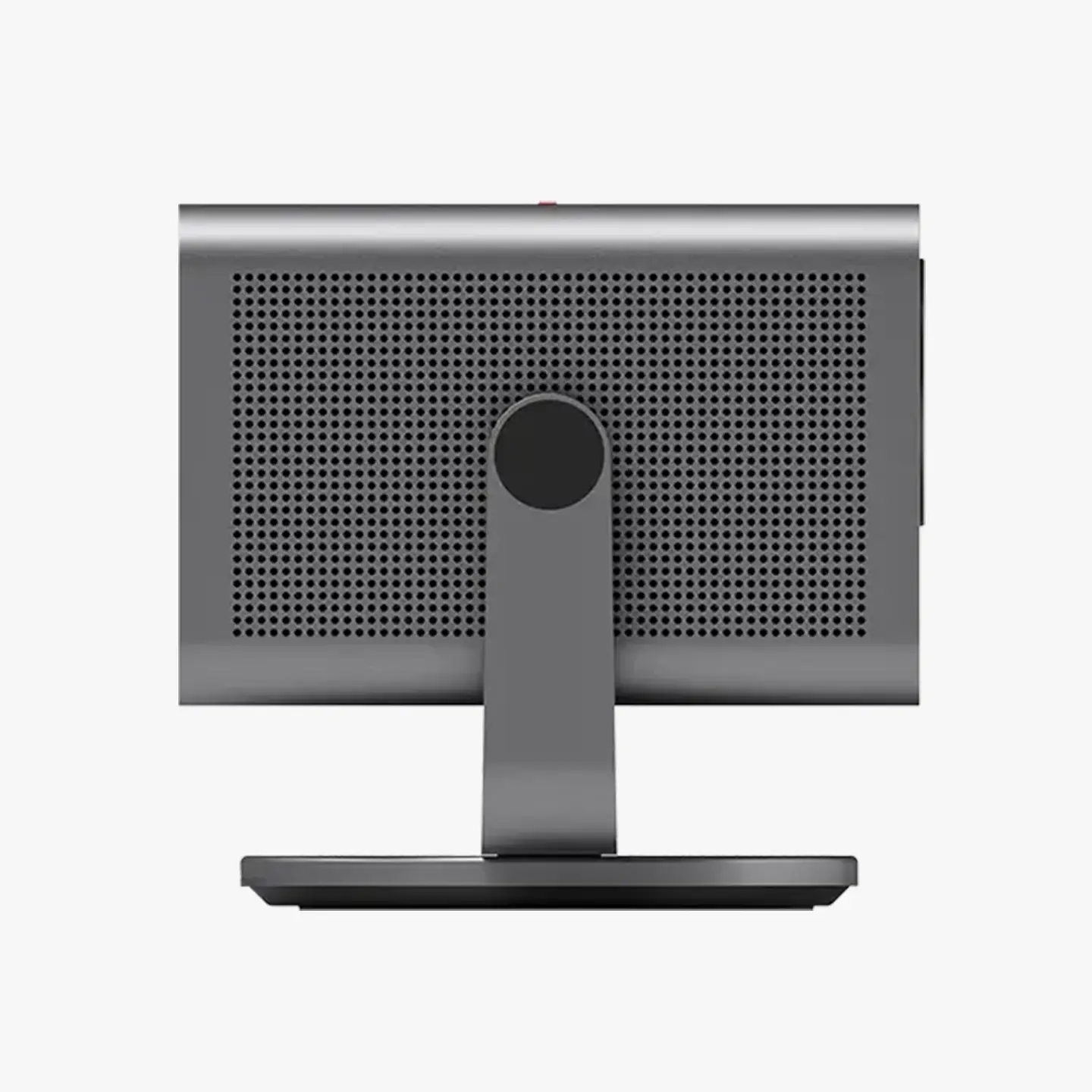
- The device must always be well ventilated. A space of at least 20 cm on both sides and of 15 cm on the back of the device must always be maintained to ensure optimal air circulation.
- Excessive heat and insufficient ventilation can result in the premature failure of some electric components and may pose a fire hazard.
- The air vents must be unobstructed at all times.
- Do not touch the device while it is running or just after it has been switched off, as it can be very hot.
- Do not insert any foreign objects into the air vents!
Remote Control Batteries
- Only the battery type stated and described in this manual must be used. Any improper use of the batteries or the use of unapproved battery types may result in an explosion!
- Incorrectly inserted batteries can leak, corrode, or explode.
- Batteries must only ever be replaced with the same battery type. Do not mix depleted with fresh batteries or with different battery types.
- Do not expose the batteries to direct sunlight, heat, humidity or moisture for prolonged periods of time. They must not be placed in a microwave oven or a high-pressure container as this would pose a fire or explosion hazard!
- Never dispose of batteries in fire and never attempt to heat, recharge, dismantle or break open a battery.
- Applicable disposal regulations must be complied with.
- Depleted batteries must never be disposed of in household waste as they contain toxic materials that are harmful to the environment.
- Remove the batteries from the housing if you will not be using the product for an extended period of time. In case of battery leakage, the battery compartment must be wiped clean with a cloth.
- Please do not use alkaline batteries, standard (carbon zinc) batteries or rechargeable (NiCd, NiMH, etc.) batteries.
- Batteries must always be stored out of the reach of children. Batteries must never be left lying around unattended, as they could be swallowed by children or pets. Batteries can cause suffocation when swallowed. A swallowed battery can additionally cause severe internal injuries or death.
First Aid
- Battery fluid may cause blindness if it comes into contact with the eyes. Rinse the eyes thoroughly with clean water immediately. Avoid rubbing. Seek medical attention immediately.
- Leaked battery fluid poses an injury hazard when it comes in contact with clothing or skin. Rinse the affected areas thoroughly with clean water.
Grounding of the House Aerial
- Where a house aerial is to be used, the aerial system must be appropriately protected against overvoltage and static discharge.
Volume
- Loud music and noise can cause irreparable damage to hearing. Extreme volumes should be avoided, especially during long-term exposure and when using headphones.
- Reduce the volume immediately or avoid using headphones for a while if you experience tinnitus or pain.
Warnings Regarding This Laser Product
- Attention: This device comes with a laser module. Do not disassemble or modify the device in any way. Doing so may pose injury hazards. Emitting laser radiation may pose a serious health risk.
- Never look directly into the lens while the device is operational. Never look directly into the emitted light beam! Doing so may cause severe damage to your eyes or permanent blindness!
- RG2: Never look directly into the emitted light beam!
- IEC 62471-5: 2015 – CLASS 1 Laser PRODUCT – λ = 459–471 nm / 519–531 nm / 635–651 nm.
- Any operation not described in this manual or any alterations made to the device may result in hazardous radiation exposure.
- Eye protection with an optical density of 4 or more (wavelength 459–651 nm) must be worn if this unit requires repair.